



How to register an SIA in the Company Register?
If you have decided to start a business, register a company, a merchant, or a micro-capital SIA, first go to The Company Register of the Republic of Latvia the website and follow all the indicated steps.
On the website you will find a list of documents that must be prepared and completed in Latvian. You can use the provided samples.
- Check the desired company name;
- Choose the amount of share capital;
- Specify the legal address;
- Information about shareholders and the beneficial owner;
- Finally, fill in the registration form, certify the signature, and pay the fees;
Documents can be submitted online through the e-service or by mail. If necessary, also register with the VAT payer register at VID. Document processing takes 1-3 business days.

On the Company Register website, click “Found company”

In the menu “Company or merchant” select “SIA” or “SIA with with no minimum capital requirement”.

A company registration summary will open with the steps to be completed

You will see how long the review takes, what the costs are, and how to submit the document

Fill in the required form. You can also check a completed example

Prepare the required company documents. You can use the provided templates

Nepieciešamības gadījumā reģistrējies VID par PVN maksātāju

Accounting for a newly registred SIA
A company director may manage accounting independently if they are the sole board member and the sole shareholder of the SIA.
Pats.lv is perfectly suited for micro-companies that, on the balance sheet date, do not exceed two of the following three thresholds:
- Balance sheet total - €63,000;
- Net turnover - €125,000;
- Average number of employees during the reporting period - 5.
To start accounting for a newly established company, register in the pats.lv system and use the free trial period to test all features and choose the right plan. You can immediately begin entering transactions, issuing invoices, adding fixed assets, or adding employees in the payroll module. Registration takes just one minute.


 Tax regime
 VAT status


- Link bank account statement
- dd a payment method
- Set up your invoice design
- Enter employee data
How to transfer SIA accounting from another program
If you have managed your SIA accounting in another program - either by yourself or with the help of an accountant - switching to our system will be simple and secure. Register as an SIA owner and add your accountant, or let the accountant create an account for you. The system is designed so that accounting can also be done jointly - if necessary.
Step-by-step guide. To start working in the system after registration:

Open the "Intial balances" section in your profile.

Mark if you used another accounting system before pats.lv

Mark the date from which you start accounting in the pats.lv system and enter the balances

Enter all asset and liability values of the balance sheet

At the beginning of the period, specify the Profit and Loss positions

Once this is done, click "Save" and from then on all transactions will be recorded in the system automatically
Start your accounting in pats.lv at any time - even in the middle of the year.The system will also prepare reports for previous months or even the entire year - you only need to enter the transactions for the relevant period. To speed up the process, use automations: receipt scanning, invoice uploads, and bank statement integration. This reduces manual work to a minimum. Manage the accounting of your SIA easily and securely - everything is designed so that you can use the system even without pr
Free webinar: Accounting for a limited liability company (SIA) in Latvia

Main system features

Free tax assistant
Lurija helps find answers to questions about Latvian taxes, accounting and business activity.



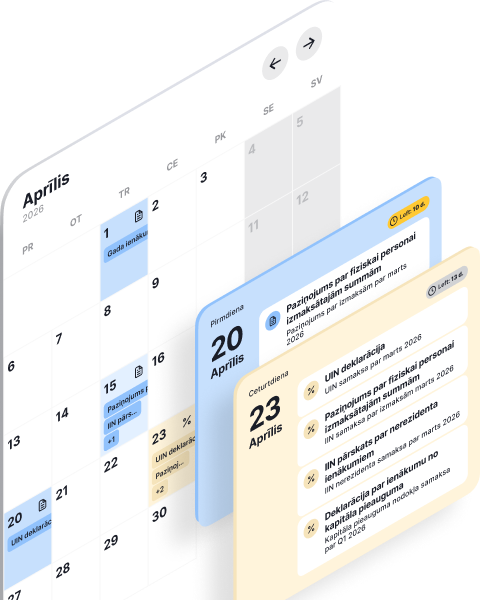
Tax deadline calendar
All VID filing and payment dates in one place, matched to your business type
Business Account
For self-employed professionals and SIA companies - automatically sync transactions with pats.lv accounting


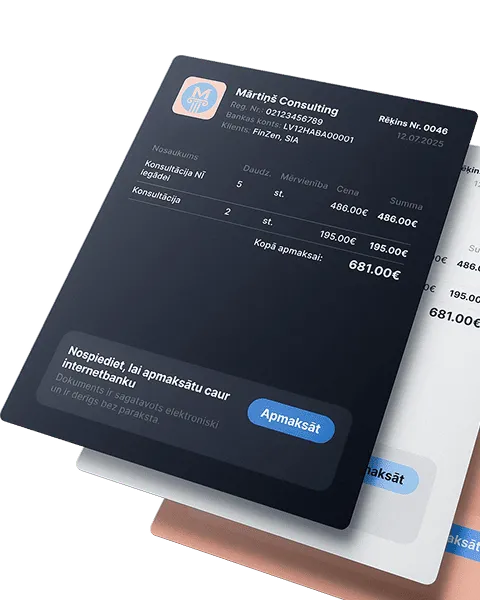
Issue invoices and get paid faster
Automate the invoicing process, get paid faster, and focus on what truly drives your business forward
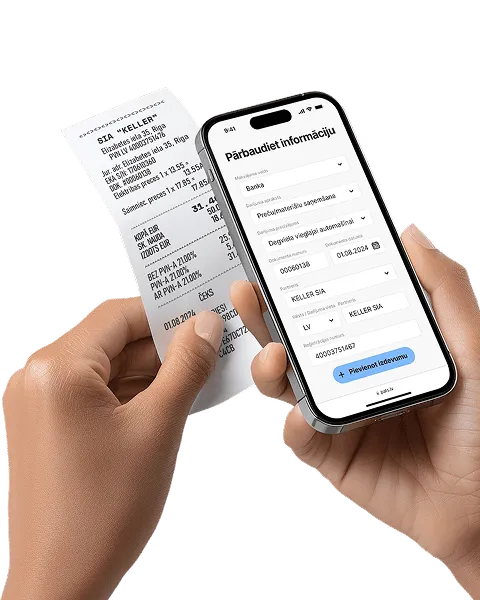
Receipt and invoice scanning
Automation that pays off! Save up to 80% of the time compared to manual data entry
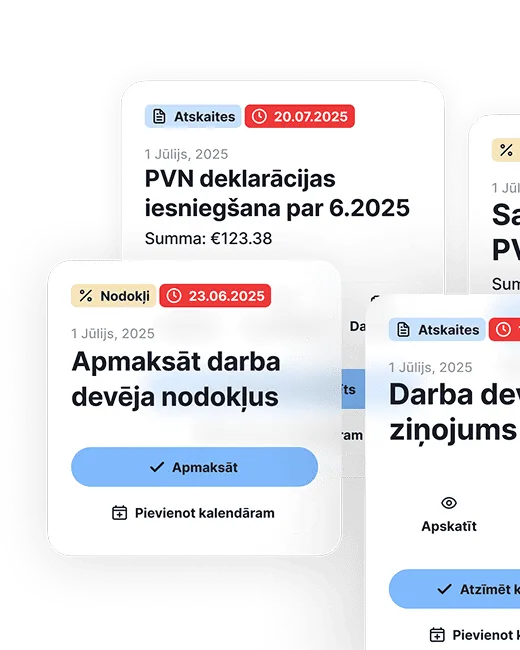
Reporting and tax calendar
All reports and tax declarations are generated automatically - from quarterly to annual. Enter your income and expenses, the system will calculate the taxes - just download and submit

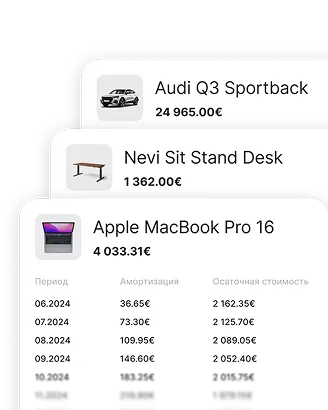
Fixed asset accounting
Enter an asset once - depreciation is calculated automatically, and the data goes straight into the reports
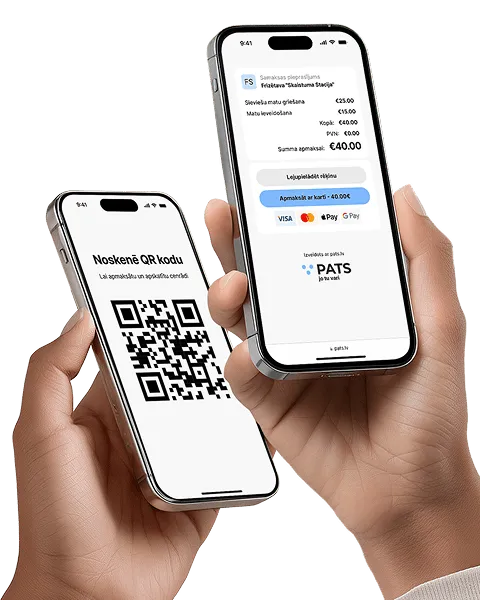
Accept payments without a terminal
Instantly with a QR code or link - perfect for service providers without a cash register. Create an offer, the client scans and pays
Accurate salary calculation every month
Automatically calculates salaries, taxes, and vacation pay, while also preparing all mandatory documents


Bank integration and payment management
The fastest way to manage business transactions - accurately and clearly


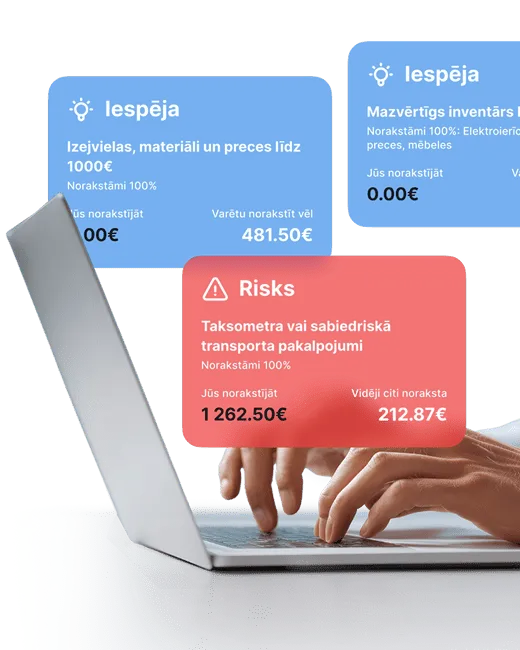
Expense analytics and tips
Analyze your expenses and get smart tips on what can be deducted. Compare with others in your field and avoid missing out
Frequently asked questions
To make the transition even easier, read the 5-step guide or watch the video tutorial.
During your first 30 days, you can ask an accountant any question.